
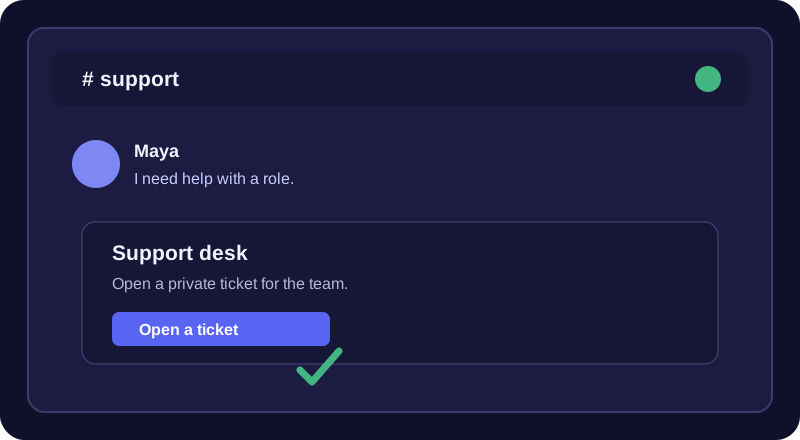
Member view
Press the Panel button
Maya asks for help from the panel.
Publish a panel members can use to open private tickets, then give staff a clear workflow to claim and close them.
Create your botMembers click a button on a ticket panel to open a private ticket channel. Each ticket has a live card with Claim, Close and Add-user controls so staff can take ownership, resolve a request with a reason, or grant another member access. A support role can see the ticket channels while ordinary members only see their own tickets.
Maya asks for help from the panel.
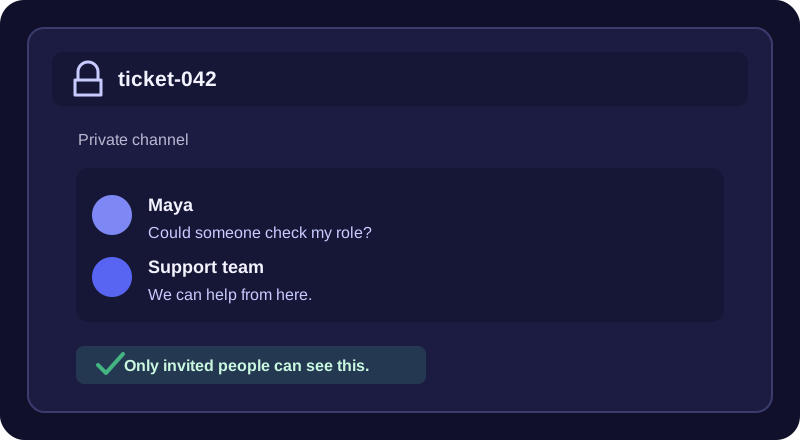
Maya and the support role can see it.
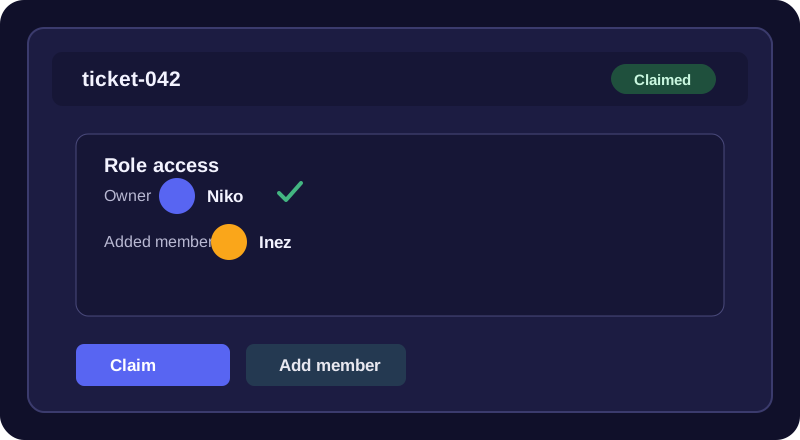
Niko takes ownership and brings in Inez.
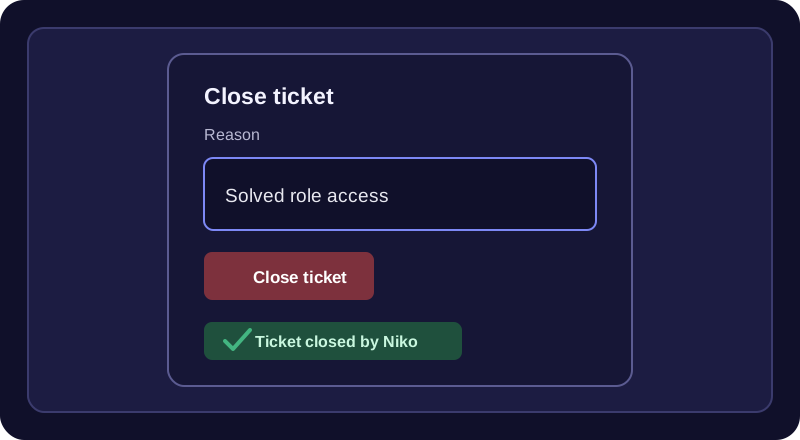
Niko records why the ticket is resolved.
Tickets is included. Up to 25 ticket types and unlimited open tickets on new and updated bots. Server limits still apply. Free includes transcripts saved when inactive tickets auto-close and custom panel color. Members can open a private ticket with a Subject and Details form; staff can Claim, Add-user and Close it.
Add manual transcript export, transcripts to a channel, priority settings and up to 3 custom intake questions to the ticket workflow.
Free does not include manual transcript export, a transcript channel, ticket priority or custom intake questions. Compare the plans before configuring a Pro-only workflow.
Each ticket category can use its own log channel on Free and its own transcript channel on Pro; when a category channel is unset, the server-wide channel is used. DM User On Close controls the close DM, including inactivity auto-closes.
Open Tickets in your bot’s Modules tab and select the server. Choose a parent category, panel channel and support staff role.
Set the panel text and options in the dashboard, then use !ticketpanel #support to post the buttons.
Run !ticketcheck if publishing or channel creation fails. It checks the configured channels and permissions.
Staff can use !ticketsetup for the guided category, role, panel and log-channel setup, then close a current ticket with !close Resolved. The bot needs Manage Channels in the server and appropriate access to the chosen category and panel channel.
Yes. Tickets is included on Free with up to 25 ticket types, unlimited open tickets on new and updated bots, and custom panel color. Manual transcripts, transcript channels, priority and custom intake questions are Pro-only.
Use the Claim and Add-user controls on the ticket card. The card updates to show its status and who claimed it.
Run !ticketcheck, then verify the selected category still exists and the bot has Manage Channels plus the required channel access.
Yes, but inactivity cleanup is off by default. After a manager enables it, the bot posts one warning after the configured quiet period, then closes the ticket only if no human reply arrives during the additional quiet period.
See the Tickets module page for configuration and commands, or follow the Discord ticket bot setup guide step by step.